|
|
|
|
|
|
|
|
SabrePoint POS - Splash screen |
|
Multi-user login window atop. |
|
|
|
|
|
|
|
|
|
|
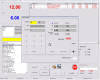
SabrePoint POS - TouchScreen |
|
Default means of selecting items for sale; includes barcode scanning. User can toggle to other selection options. Large button option available. Shown with Menu atop. |
|
|
|
|
|
|
|
|
|
|
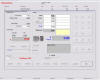
SabrePoint POS - Stock Selector |
|
Conventional alternative to selecting items with touch screen. |
|
|
|
|
|
|
|
|
|
|
|
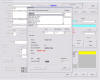
SabrePoint POS - Transaction Details |
|
Transaction underway and about to be closed. |
|
|
|
|
|
|
|
|
|
|
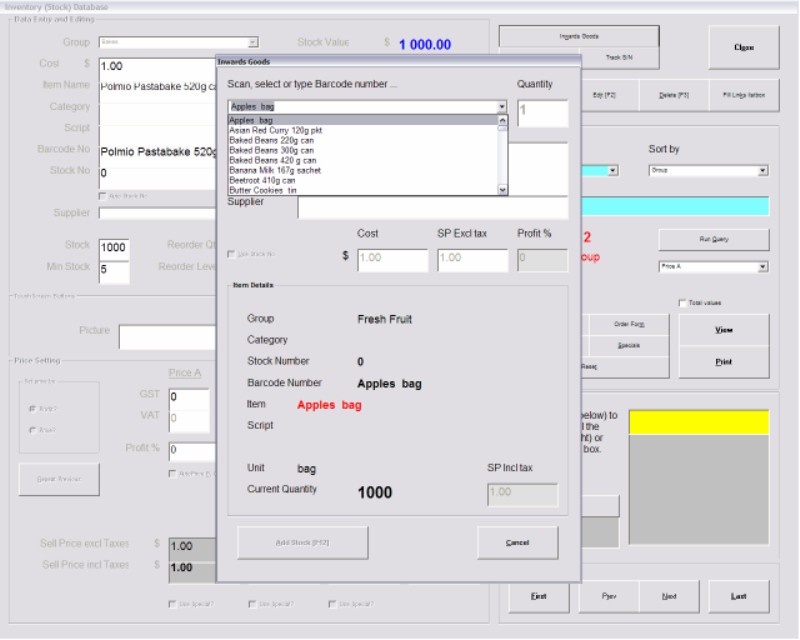
SabrePoint POS - Inwards Goods |
|
Shown atop Inventory window. Allows easy input of incoming goods. |
|
|
|
|
|
|
|
|
|
|
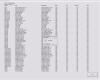
SabrePoint POS - Inventory Report |
|
Use query builder to report on inventory stocks, low stock levels etc. |
|
|
|
|
|
|
|
|
|
|
|
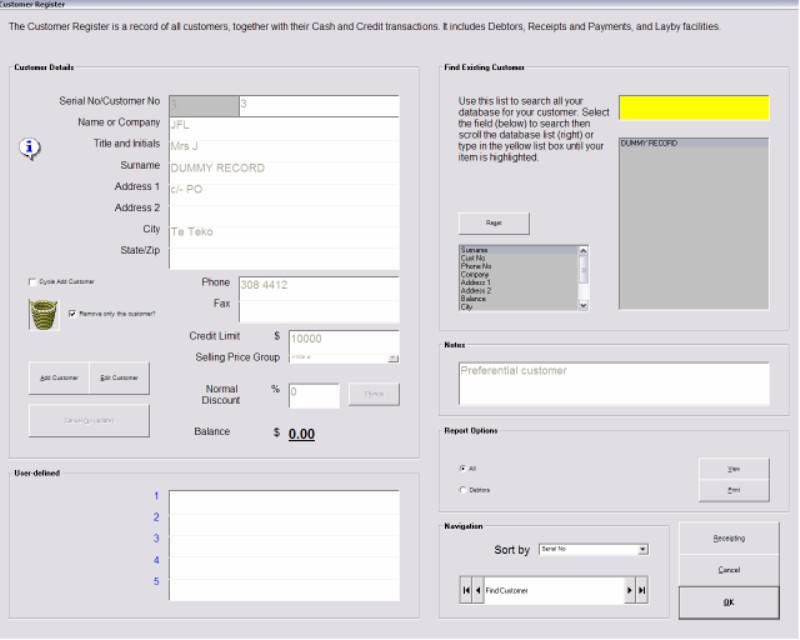
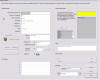
SabrePoint POS - Customer Register |
|
Customer details and transactions are recorded. Similar facility exists for Suppliers. |
|
|
|
|
|
|
|
|
|
|
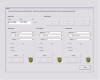
SabrePoint POS - Reports |
|
Select from Sales, Sales Summary and Inwards Good reports. |
|
|
|
|
|
|
|
|
|
|
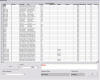
SabrePoint POS - Database Editor |
|
Limited editing facility if you don't have MS Access 2000 or XP. |
|
|
|
|
|
|
|
|
|
|
|
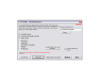
SabrePoint POS - SP Utility |
|
Always available when closing SabrePoint. Allows data and settings backup, restore and Import/Export module. |
|
|
|
|
|
|
|
|
|
|
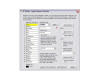
SabrePoint POS - Import/Export facility |
|
Module within SP Utility. Allows one-off or regular (eg: end of day) data transfer to/from other applications in CSV format. |
|
|
|
|
|
|
|
|
|
|
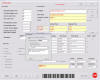
SP Barcode - Setup |
|
Barcoder generates many types of barcode (no special fonts or printer required). User has control over content. |
|
|
|
|
|
|
|
|
|
|
|
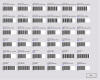
SP Barcode - Preview |
|
User determines characteristics and number of impressions to print. |
|
|
|
|
|
|
|